Logging in
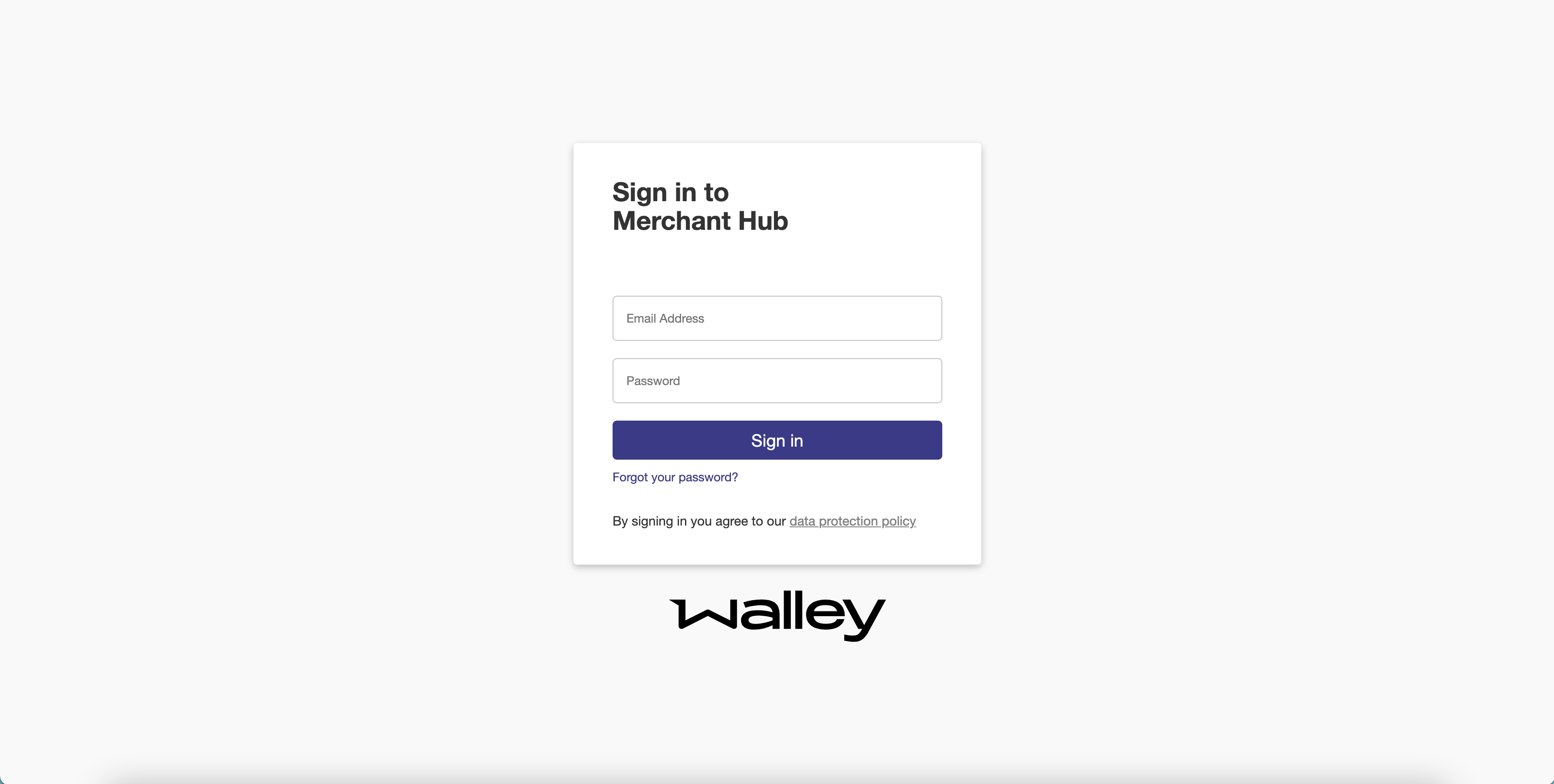
Log in to the Merchant Hub with your user name and password. Every user has a personal login, so the order history always shows who did what.
Before you start
You need an invitation from an administrator in your organization. If your organization is new to Walley, Merchant Services invites the first administrator. Contact help@walley.se if that is you.
Log in
- Open the Merchant Hub for the environment you want to use.
- Enter your user name and password.
- Select Log in.
If the credentials are wrong, the page tells you what went wrong.
Reset your password
- Select Forgot your password?.
- Enter your email address.
- Enter the verification code that Walley sends to that address and choose a new password.
Next steps
- Take the quick guide through the main views.
- Invite your colleagues in Managing users and groups.